This guide explains what is an M3U playlist with practical, rights-aware checks you can use before changing a player, device, account, or network setting.
For the closest related workflow, continue with What Is IPTV? A Clear Beginner’s Guide; it addresses the next decision without replacing the checks on this page.
What is an M3U playlist? Start with the playlist’s job
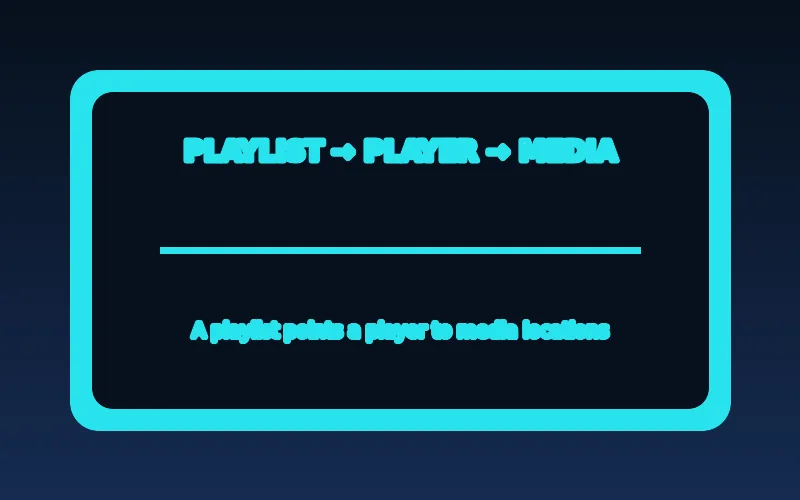
At its simplest, a playlist lists one or more media locations. A player reads it, displays entries it recognizes, and then asks the listed server for media. The .m3u8 extension is commonly associated with HTTP Live Streaming manifests, which can reference short media segments and alternate variants.
The file itself does not guarantee that every entry works on every device. Codec support, authentication, guide data, network availability, and the player’s own capabilities can all affect the result.
An M3U playlist is normally plain text. In a simple media playlist, a descriptive line can be followed by a URL or local path. The player uses the reference to request the media; the playlist is not the video or audio bytes. That distinction explains why a list can display familiar names while playback still fails: the reference may require an active account, point to unavailable media, or select a format the device cannot decode.
Think of the playlist as an address book, not a warehouse. A successful import says the player understood enough text to create entries. It does not establish that the listed publisher is authorized, that every address remains available, or that the device supports the chosen audio and video. Use playlists only from a source entitled to provide the referenced media, and keep the player, service, and device as separate troubleshooting layers.
Treat a playlist URL like a credential
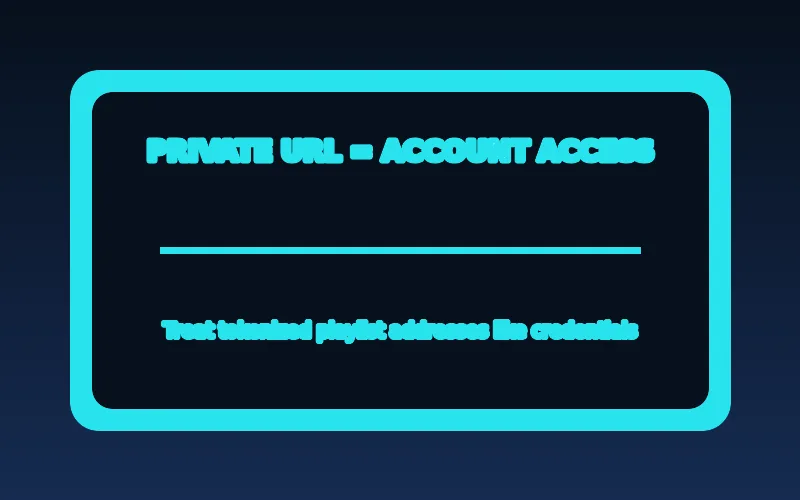
A playlist address may contain an account token or otherwise grant access. Do not post it in screenshots, support forums, or public chat. Store it only in a player you trust and remove it from a device you no longer use.
If an address stops working, avoid guessing at parameters or copying it into untrusted “checker” sites. Ask the authorized service for a replacement or support steps.
Some playlist URLs include a username, password, opaque token, or signed query parameter. Even when the values are not obvious, the address can authorize access until it expires or is changed. Browser history, screenshots, cloud notes, screen recordings, and diagnostic sites can all copy it. Redact the full address when describing a problem and use the service's verified private support route if it must be shared.
If access stops, do not add, remove, or guess URL parameters. A changed character can alter the request, while a valid-looking address may have expired or been revoked. Record the time, player version, device, and exact non-sensitive error. Ask the authorized service whether account status or the supplied connection method changed. If a link was exposed, ask whether the service can rotate it rather than attempting to reuse it indefinitely.
A clean import checklist
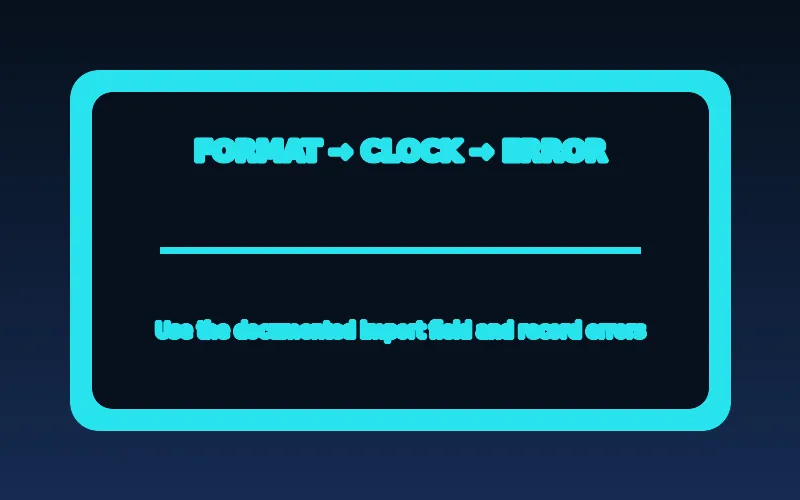
Use the exact format requested by your player, confirm the device clock is accurate, and test one authorized source at a time. If an import fails, record the error message, the player version, and whether another network changes the outcome. That gives support something specific to investigate.
Start with the field the player actually documents. Some players ask for a remote playlist URL, others accept a local file, and others use an account or portal workflow instead. Renaming a file from .m3u to .m3u8 does not convert its syntax or make it compatible. Confirm the device clock, network connection, and player version, then enter the supplied value once without adding spaces or extra punctuation.
Keep the first test narrow. Import one documented source, wait for the player result, and note whether failure happens during download, parsing, catalog display, or playback. A second test should change only one variable, such as using the same supported player on a different trusted network. Do not simultaneously reinstall the player, reset the router, and request new credentials; that makes the result hard to interpret and can erase the original error.
A practical import record has four checkpoints: the exact field used in the player, the result immediately after submitting the address, whether any entries display, and the result of opening one authorized entry. This separates a malformed or incorrectly entered address from a playlist the player can parse but cannot play. A local file and a remote URL are different workflows: a file is read from device storage, while a URL requires a successful network request and may depend on account access. Preserve the original non-sensitive error, then change only one variable for a comparison.
A useful support request identifies the device model, operating-system version, player version, import method, approximate time and time zone, and exact error text. State whether failure happened before catalog display, after catalog display, or only after selecting an entry. Do not include a password, payment details, portal address, or tokenized playlist URL. This gives the authorized service or player publisher useful evidence without turning a diagnostic request into a credential leak.
M3U syntax and the meaning of common fields
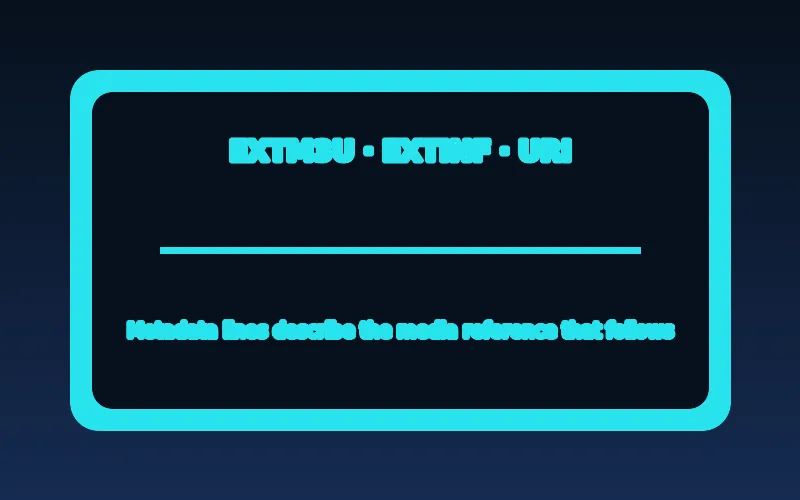
An extended M3U file often starts with #EXTM3U. Entries may use #EXTINF to provide a display name and optional metadata, followed by a media location on the next line. Some playlists include identifiers that a player can use to associate channels with an electronic program guide. These are conventions interpreted by the player, not universal guarantees that every application understands every field.
A playlist can contain local file paths, ordinary media URLs, or references to protected streams. The address may be time-limited or tied to an account. Never assume that a copied URL will remain valid or that possession of it grants redistribution rights.
Extended M3U commonly begins with #EXTM3U. In an ordinary list, #EXTINF can precede a media reference and include a duration or display title. A line beginning with # is generally metadata or a directive rather than a media location. The URL or path that follows is what the player attempts to open. Individual players may recognize additional attributes for grouping, logos, or guide matching, but those conventions are not a promise of cross-player interoperability.
A safe illustrative shape is an EXTM3U header, an EXTINF line with a human-readable label, then a media URI on the next line. Do not copy a private example address into documentation or support posts. The useful lesson is ordering: metadata describes the next item, while the player still needs to reach and understand the referenced media. A parser can accept a title while playback later fails because authorization or codec support is separate.
M3U versus M3U8 and HLS manifests
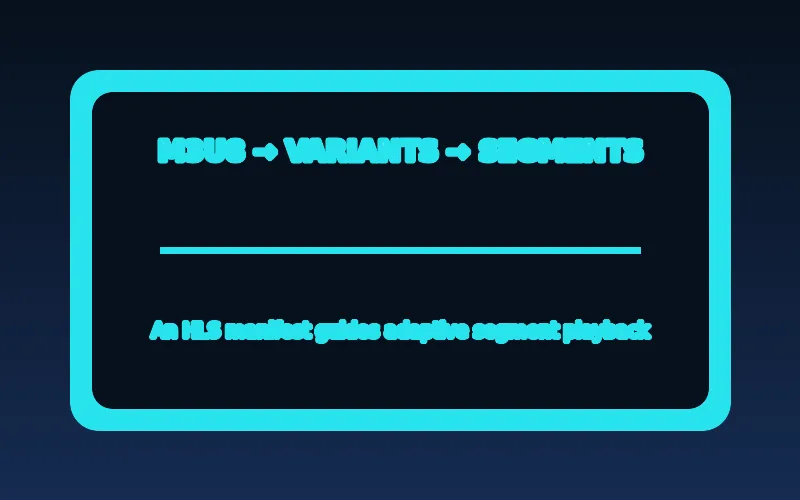
M3U8 generally indicates UTF-8-encoded playlist text. In HLS, a master or multivariant playlist can point to several quality variants, while media playlists point to sequences of segments. A general channel list and an HLS media manifest can both use familiar playlist-like syntax while serving different purposes. Confusing them leads to importing the wrong type of URL into the wrong field.
Before importing, read the player’s instructions: does it ask for a playlist file, a playlist URL, an account login, or a portal address? Use the service-provided format rather than renaming extensions or guessing endpoints.
M3U is a playlist format family; M3U8 is often used for UTF-8 encoded playlist text. File extensions are useful clues, not complete compatibility tests. RFC 8216 defines HLS playlist behavior using UTF-8 text and familiar tags such as EXTM3U and EXTINF, but an arbitrary M3U channel list is not automatically an HLS media playlist. The intended consumer and the tags present matter more than the final three characters of a filename.
In HLS, a multivariant playlist can identify alternate media playlists, while a media playlist identifies a sequence of media segments. A player follows those references as part of playback and may select a rendition according to its capabilities and conditions. That is different from a general list of unrelated channels or files. Import the exact format a player and authorized service document; do not paste an HLS manifest into a field intended for an account portal.
Relative URIs have a specific meaning inside an HLS playlist: RFC 8216 treats a relative URI as relative to the URI of the playlist that contains it. That is useful for an HLS publisher that keeps a manifest and its segment paths together, but it does not mean every general M3U player resolves every custom reference in the same way. If a copied manifest is moved to another location or opened through a different base URL, its relative references can point somewhere else. Do not try to repair that by manually rewriting private paths. Use the original address supplied by the authorized source and let the documented player request it in its intended context.
Successful import and successful playback are separate tests. An HLS-capable player can recognize the playlist text but still fail when it requests a media playlist, a segment, an encryption key, or an alternate rendition. Likewise, an ordinary channel-list player may show a URL as an entry without implementing the HLS behavior that the URL expects. Record which stage failed and whether the player displayed an HLS-specific message. This is more reliable than inferring support from the .m3u8 suffix alone.
Why an imported list can be empty or incomplete

An empty list may indicate an unsupported file structure, an unreachable address, expired access, or a parsing error. A partial list can result from metadata differences, grouping behavior, or an account-specific catalog. Playback errors after a successful import are a separate stage: the player may recognize an entry but fail to decode or access the referenced stream.
Test the import on a second supported player only when the authorized provider documents that option. Record whether the failure occurs before entries appear, when selecting an entry, or after playback begins. Each stage points toward different troubleshooting checks.
An empty catalog can result from a request that never reached the address, an HTTP or authorization response the player cannot use, unsupported syntax, or a player-specific parser limitation. A partial catalog may reflect a service-side entitlement, grouping rules, missing metadata, or entries that the player intentionally ignores. The visible list is only one stage. A title that appears but will not start moves the investigation toward the referenced stream, account access, codec support, or delivery path.
Preserve the distinction in a support note. State whether the player rejected the address, showed zero entries, showed entries without guide data, or failed only after you selected one item. Then compare one other authorized item on the same setup. This avoids the common but misleading conclusion that a playlist is either wholly valid or wholly invalid. A single file can be readable while one reference inside it is inaccessible.
A malformed playlist is primarily a text or structure problem: a player may reject it before showing an entry, or interpret fewer lines than expected. An unreachable media URL is different: the list can display correctly because its text was read, yet the player cannot retrieve the selected resource. Authorization problems can look similar because the player may receive a response that does not grant access. Player incompatibility is another possibility when a documented source works in one supported environment but another cannot parse the format or decode the referenced media.
For example, if a list imports, shows ten entries, and only one entry fails, leave the list unchanged and test a second authorized entry. If that works, record the failed title and time rather than reinstalling everything. If all entries fail after the list appears, compare a known-good authorized application on the same network, then ask the service whether account access or the referenced media path is affected. This preserves the evidence needed to distinguish a local player issue from an upstream or account-specific condition.
EPG identifiers and channel matching
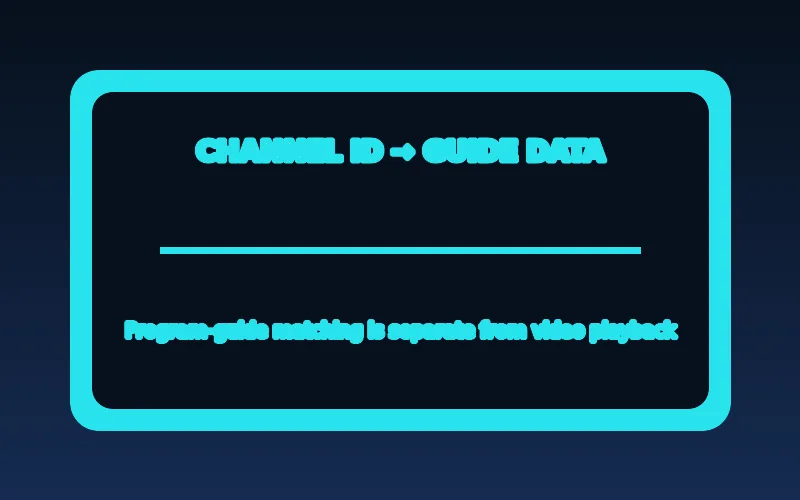
Program guides typically need a way to match schedule entries with the corresponding channel. A player may use a channel identifier, display name, or a manual mapping control. Minor naming differences can leave a working channel without a guide. Time-zone settings can make otherwise correct schedule data appear offset.
Refresh guide data using the documented player control, verify the device clock, and compare one channel at a time. Avoid deleting a working playlist merely because guide information is missing.
An electronic program guide is schedule metadata, not the video stream. A player must associate a channel entry with the correct schedule source, often through an identifier or a mapping convention. A display name that looks right to a person may not match the identifier expected by the guide. As a result, video can play while the schedule remains blank, or a guide can appear with incorrect timing if the device or guide time basis differs.
Use the player's documented refresh and mapping controls, and check one affected channel before editing a whole catalog. Confirm the device time zone and clock. Do not delete a working playlist solely because guide information is absent: that may remove useful playback evidence without changing the guide source. The service or player documentation must establish which identifiers it supports; no generic M3U rule can guarantee a particular EPG mapping.
A practical matching example is a channel that plays correctly but has no schedule while neighboring channels do. That observation suggests checking the identifier or mapping used for that channel before changing network settings or credentials. A second example is a guide whose programmes appear several hours early or late: verify the device clock and time zone, then consult the player or authorized service documentation for the guide's expected time handling. Do not assume that changing a display name will change the identifier a player uses internally. Mapping fields are player-specific, and an M3U attribute that one player recognizes may be ignored by another.
Stop troubleshooting locally when the evidence points outside the device. If the documented address imports consistently, the player and network can reach other authorized media, and a specific catalog, entitlement, or guide mapping remains unavailable across controlled comparisons, preserve the results and contact the authorized provider. Send the device model, app version, time and time zone, affected entry, exact error, and the comparisons already made. This is both safer and faster than exposing a private URL to public tools or repeatedly changing syntax that was already accepted.
Private handling and safe sharing
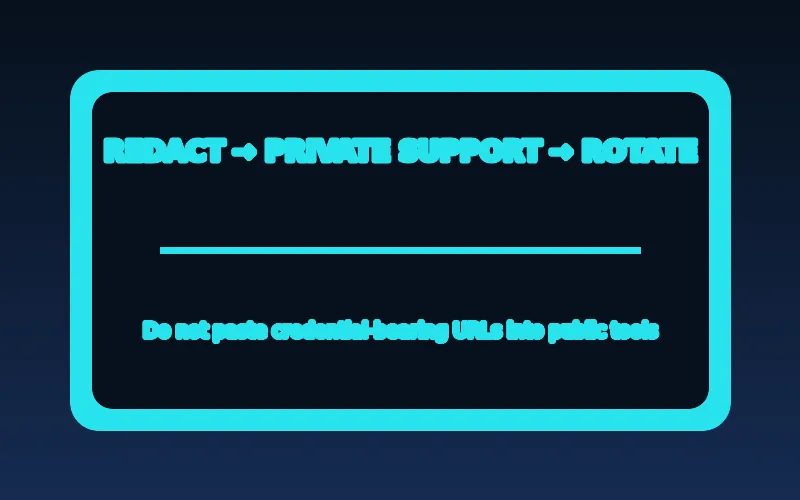
A playlist URL may include username, password, or a token in its path or query string. Screenshots, browser history, logs, and online checker services can accidentally expose it. Treat a credential-bearing playlist as sensitive account information and share it only through the provider’s verified private support process when truly necessary.
If a link has leaked, contact the authorized service to ask whether it can be rotated. Do not try to repair access by modifying unknown URL parameters or sending the link to strangers.
Store a credential-bearing playlist only in a player or password manager you trust, and remove it before selling, returning, or lending a device. Avoid putting it in a shared household note, public issue tracker, or screenshot. If a player writes logs, be careful when exporting diagnostics: URLs may appear in them. Redaction should remove the complete sensitive address, not just the most recognizable username field.
Legitimate use still requires attention to rights. A player that can read a playlist is neutral software; it does not authorize the media references entered into it. Obtain playlists from a provider entitled to provide the referenced content in your location, read its terms, and use its documented support channel. If ownership or authorization is unclear, pause rather than treating a technical import success as evidence that redistribution or viewing is permitted.
M3U terms at a glance
| Term | What it usually contains | Safe handling |
|---|---|---|
| M3U playlist | Text entries that point a player to media locations. | Treat a private URL as sensitive if it includes an account token. |
| M3U8 manifest | An HLS playlist that can reference media segments and variants. | Use only the format and address supplied by the authorized service. |
| EPG data | Schedule metadata for a player interface. | A guide loading does not prove that video playback will work. |
| Player | Software that reads a supported format. | Install it from its verified publisher or device store. |
After completing these checks, use the what is an M3U playlist entry point on the Zenora IPTV homepage to compare device guidance, plan information, and support resources.
Frequently asked questions
Is M3U the same as M3U8?
Both are playlist formats; M3U8 commonly indicates UTF-8 text and is widely used for HLS playlists.
Can I open an M3U file in any player?
No. The player must support the playlist format and the referenced stream formats.
Why does an M3U playlist load but a channel still fail?
Importing confirms that the player recognized some playlist text. It does not confirm account access, the availability of every referenced media location, codec support, or a working network path. Compare one authorized entry and preserve the exact error before changing settings.
Is it safe to send a playlist URL to an online checker?
Not if the address contains a username, password, or token. Treat that address as sensitive account access and use the authorized service’s verified private support route when assistance is necessary.
Does a playlist prove that the media is authorized?
No. A playlist is an instruction file. Rights and availability depend on the service and the particular media, not on the file extension or the player that can read it.
Sources and further reading
For a clear next step, visit Zenora IPTV to compare the relevant device guidance, plan information, and support resources before proceeding.